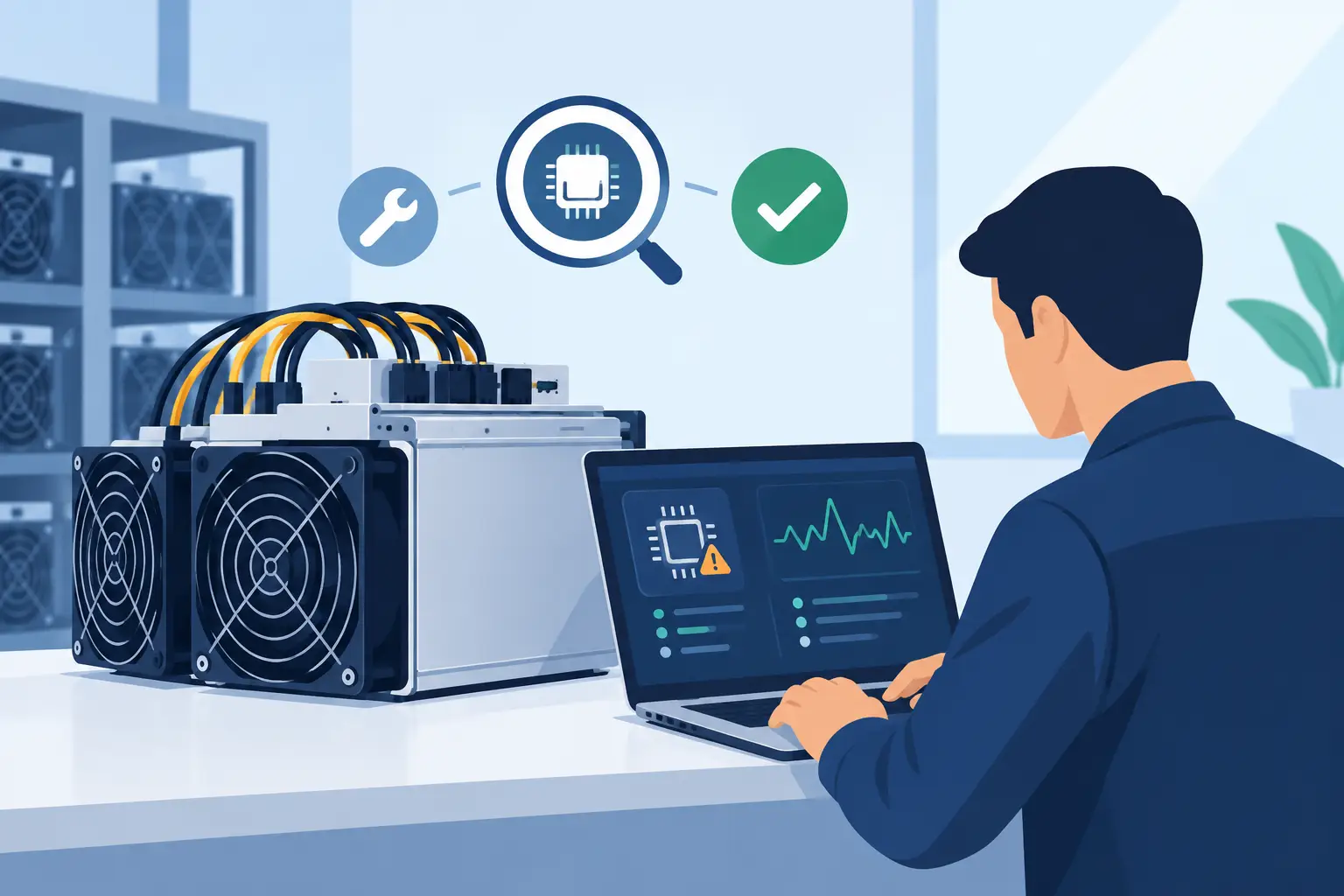
A miner that falls from its expected hashrate to zero is not simply an offline unit. It is lost production, an uncertain repair bill and, for a larger fleet, a potential warning that power, cooling or operating conditions need attention. Effective ASIC fault diagnostics turn that uncertainty into a controlled process: confirm the symptom, isolate the likely fault domain, protect the machine, and decide whether repair is commercially justified.
For a solo miner, that process prevents an expensive machine from becoming a shelf spare. For an operator running hundreds of units, it protects uptime and helps prevent a repeat fault across an entire row. The goal is not to restart a miner until it appears healthy. The goal is to establish why it failed and return it to service with confidence.
What ASIC Fault Diagnostics Protect
A fault can affect much more than the machine reporting an alarm. A weak fan, for example, may first show up as reduced hashrate or a temperature warning. Left unresolved, it can create sustained thermal stress across one or more hashboards. A recurring power issue may be caused by the miner’s PSU, but it may also point to a connection, circuit loading or voltage-quality problem outside the machine.
This is why diagnostics should be tied to operating data, not guesswork. A good diagnosis protects five commercial outcomes: hashrate, energy efficiency, hardware life, repair turnaround and fleet availability. Simply swapping parts can appear fast, but it can raise costs when the actual cause is environmental or electrical.
The right depth of investigation depends on the asset. A current-generation miner with strong remaining value usually warrants board-level testing and a documented repair. An older, inefficient unit may be better used for spares or retired if transport, labour and downtime exceed its realistic earning potential.
Start With the Operating Record
Before opening a chassis or cycling power repeatedly, capture the miner’s current state. The management interface and monitoring platform should show the reported hashrate, board count, chip count, temperatures, fan speed, error logs, uptime and pool connectivity. Record the serial number, location, rack position and time the fault appeared.
This baseline matters because a reboot can remove useful evidence. If a machine has intermittently lost a hashboard, for instance, logs may reveal whether the issue began after a temperature rise, a voltage fault or a communication error. It also lets technicians compare the unit against nearby miners of the same model operating under the same conditions.
Read the symptom, not just the alarm
A low-hashrate miner with all boards detected is a different fault from a miner that cannot detect one board at all. The first may involve thermal throttling, poor tuning, unstable power or degraded chips. The second is more likely to involve board communication, a damaged data cable, a missing voltage rail or board-level failure.
Likewise, a miner that works normally for ten minutes and then stops is unlikely to have the same cause as one that fails immediately on boot. Time-to-failure is a useful diagnostic clue. Heat-related issues often worsen as the unit reaches operating temperature, while power and communication faults may appear at startup.
The Main ASIC Fault Domains
Power supply and input power
PSU faults can cause failure to start, repeated restarts, missing boards or unusually unstable hashrate. Check the event history alongside input voltage and the condition of plugs, sockets and cables. Signs of heat damage, discolouration or a loose connector require immediate attention.
Do not treat every power error as a failed PSU. A miner can receive inadequate or unstable supply because of a circuit issue, overloaded distribution equipment or poor connections upstream. Replacing the PSU without checking the electrical path may send the same fault straight into the replacement unit.
Thermal management and airflow
ASICs produce concentrated heat, and their cooling system is part of the mining operation, not an accessory. High inlet temperature, blocked airflow, failed fans, dust accumulation, incorrectly installed fan leads or poor containment can all cause throttling and shutdowns.
Compare inlet and outlet conditions with comparable nearby units. If several miners in one area report high temperatures, inspect the aisle, extraction capacity and air recirculation before sending multiple machines for repair. In hydro-cooled deployments, coolant flow, pressure, water quality and heat-exchanger performance must be part of the diagnostic record.
Hashboard and chip faults
A missing hashboard, a board showing zero chips, or recurring chip errors often indicates a board-level issue. Causes can include damaged components, failed chips, weakened solder joints, moisture exposure, contamination or a problem with the board’s voltage regulation.
This is where correct workshop capability matters. Proper testing requires known-good components, model-appropriate fixtures, controlled power and technicians who can interpret board behaviour rather than only replace visible parts. Unauthorised firmware changes or improvised repairs can complicate warranty support and make later diagnostics harder.
Control board, firmware and network faults
If the miner powers on but cannot consistently communicate, does not retain settings or shows irregular board detection, the control board and firmware should be investigated. First confirm the basics: network connection, IP allocation, pool settings, DNS behaviour and monitoring access. Then review firmware version, compatibility and log messages.
Firmware should be managed as a controlled fleet process. Updating a single troubled miner may be reasonable when a manufacturer fix directly addresses the issue. Rolling out untested firmware across an active fleet is not. Preserve the existing configuration and confirm the recovery path before making changes.
A Practical Diagnostic Sequence
1. Protect people and equipment first
Disconnect power before internal inspection, follow the manufacturer’s procedure and allow components to cool. ASIC miners contain high-current electrical systems, and PSU work should only be carried out by qualified personnel. A rushed inspection can turn a recoverable machine fault into a safety incident or a damaged board.
2. Verify the external environment
Check the rack position, ambient conditions, airflow direction, electrical feed and network path. Then compare the miner with a known-good unit in the same environment. This quickly separates local infrastructure issues from a machine-specific failure.
3. Capture logs and inspect the physical condition
Review the dashboard before a reboot where possible. During a powered-down inspection, look for dust build-up, damaged fan blades, loose data leads, heat marks, corrosion and connector damage. Physical evidence does not always identify the root cause, but it helps direct the next test.
4. Test one variable at a time
Use known-good cables, PSU or control components where the manufacturer’s process permits it. Change one component, retest and record the result. Replacing several items at once may restore operation, but it leaves no reliable answer about what actually failed.
5. Run a monitored return-to-service test
A miner is not repaired because it boots. It should run long enough to reach stable operating temperature while technicians confirm expected hashrate, board detection, fan behaviour, temperatures, power draw and pool stability. For a fleet, monitor the unit after it returns to production to catch intermittent recurrence.
Repair, Replace or Retire?
The repair decision should be based on economics as well as technical feasibility. Consider the miner’s expected daily margin, current efficiency, age, transport time, repair cost, likely turnaround and the probability of repeated failure. A low-cost repair that delivers a reliable return can be the right choice. A complex repair on an ageing unit with weak efficiency may only postpone retirement.
Keep a fault history by serial number. Repeated fan faults may justify better filtration or changes to cleaning intervals. Repeated board failures in one deployment zone may justify a review of thermal conditions or power quality. Over time, these records turn maintenance from reactive support into an operational advantage.
Why Diagnostics Belong in Your Hosting Plan
For hosted miners, the speed and quality of fault handling depend on more than the workshop. Monitoring, spare-part availability, site access, clear approval processes and transparent reporting all affect downtime. Operators should know who identifies the fault, what testing occurs before a repair quotation, how decisions are authorised and how performance is verified afterwards.
BitHash approaches maintenance as part of mining infrastructure management, not as an afterthought once a machine stops hashing. That means connecting monitoring data, site conditions and repair action so investors can see what happened, what it costs and when capacity returns online.
The most valuable outcome of ASIC fault diagnostics is not a successful reboot. It is a clearer operating picture: which machines are healthy, which conditions are putting returns at risk, and where a timely intervention can keep capital producing rather than sitting idle.
BitHash Editorial
Verified AnalystBitHash Infrastructure, UAE Colocation & Mining Intelligence Team